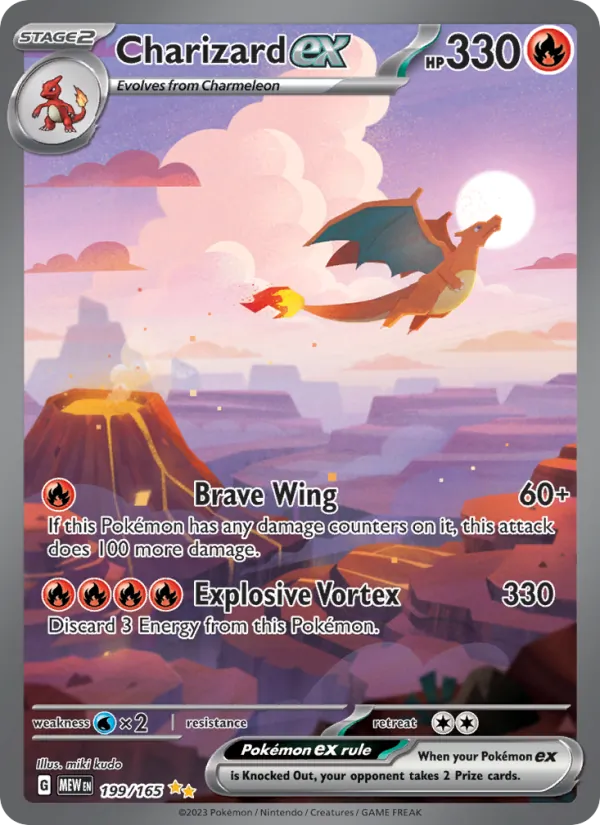
 From camera to binder
Scan your cards.
Plan your binder.
Check the suggested match and finish, save the correct version, and plan each sheet, side and pocket.
Try in your browserScan on your phone without an account. Sign in to save and sync your collection.
Free for collectors · iPhone, iPad & Android
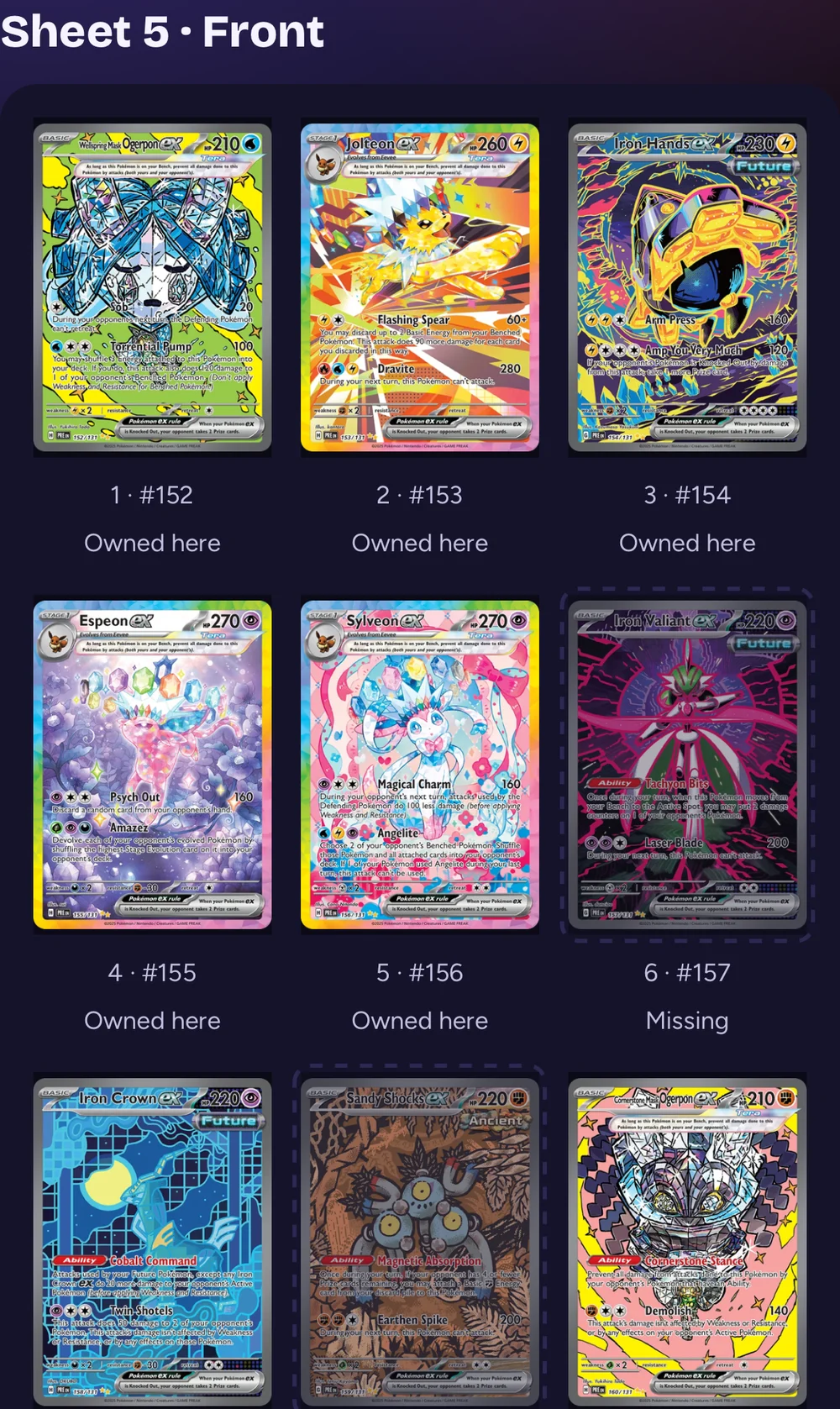
Sheet5SideFrontPocket5
App capture · example collection
Start with the card in your hand
Scan, review
and save your cards.
Scan on your phone
Choose your game and scan a card in the iPhone or Android app.
Review the match and finish
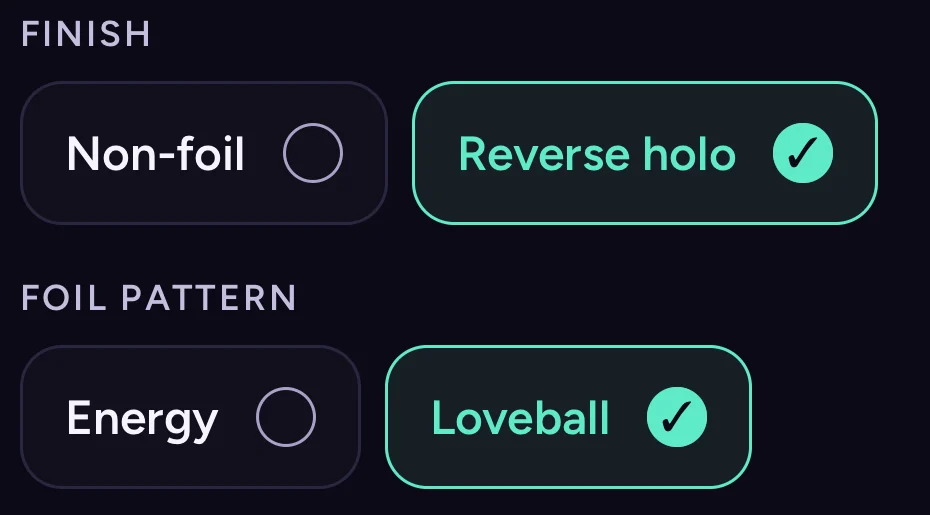
Compare the suggested card, set and number with your card. Check the finish and pattern, and correct them if needed.
Save the correct version
Sign in and tap Add card when the details match. Check the selected binder before saving.
Suggestions vary by game and card. Illustrated finish guides help you check the finer details.
See how scan review works Compare Pokémon finishes →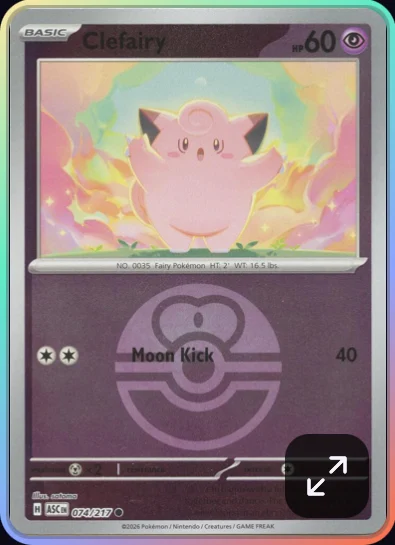
04 · Built for the binder on your shelf
Plan your
physical binder.
Choose your pocket size, sheet count and the finishes you collect. Your plan reserves a place for each version, including the cards you still need.
Follow the sheet, front or back, and pocket number as you fill your binder. Confirm filing after you put the card in its pocket.
Explore physical binder plans Find the cards your binder still needs →A planned pocket for Sylveon ex
Sheet 5 · Front · Pocket 5
The address shown in the binder capture above.
3 × 3 pocketsFront & backRoom for missing cards
Example plan · filing is confirmed separatelyLet the empty pockets make your list
Find the card
your binder needs.
Your binder plan keeps a place for the cards you still need. Open its missing-card list to explore buying options for those exact versions.
Looking to open packs? Explore packs and boxes for the set. You can also check binder supplies as your collection grows.
Open your collection Explore the binder tools →An empty pocket with a purpose
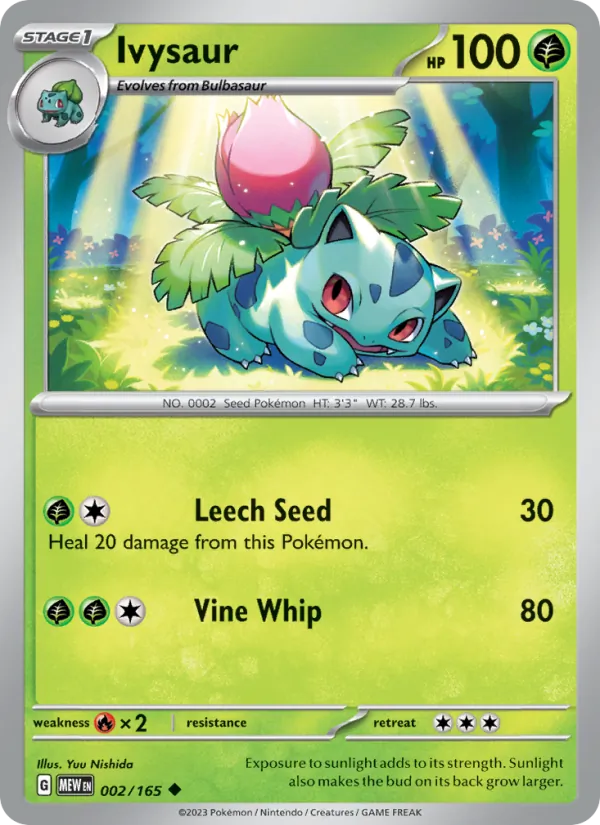
Example missing card
Ivysaur
Pokémon 151 · #002
Match the version in your plan.
Illustrated workflow · example collection
When you're ready to play
Build decks from
the cards you own.
See the cards you own and the copies your deck still needs. Practice an opening hand in the browser.
Deck lists and draw practice support Pokémon, Lorcana, Star Wars Unlimited, Magic, Riftbound and One Piece on the web. Installed app support depends on your build.
Pokémon optimizer tools compare opening-hand odds, basic Energy and suggested swaps.
Open Deck Builder Explore the deck tools →Try a Pokémon opening-hand example
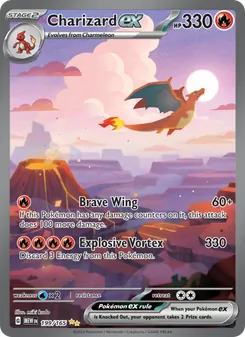
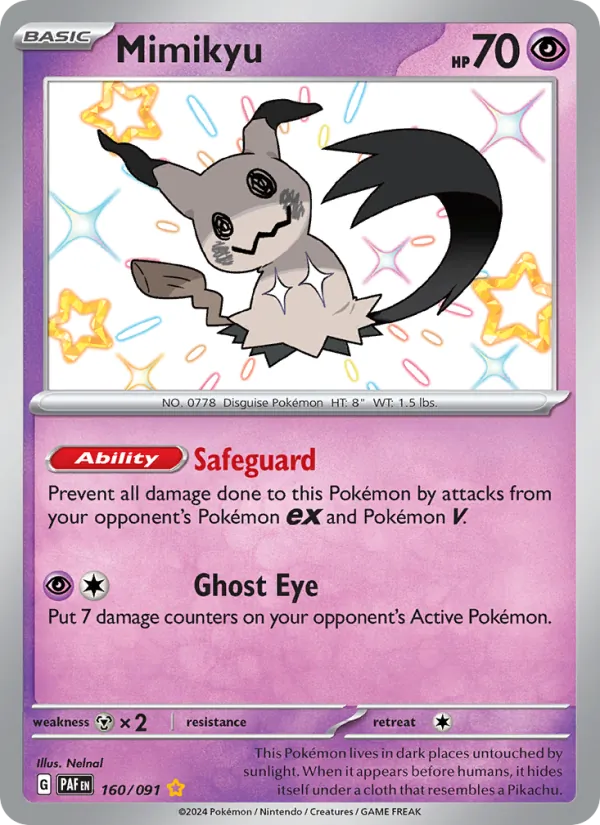

Chance of opening at least one Basic
8 Basics65.4%
12 Basics80.9%
Calculated example · first seven from 60 cards, before mulligans.
Try another Basic countReady for your next card?
Get FoilFox
for your phone.
Scan on your phone. Plan your binder in the app or browser.
Collect what you love
Find a new favorite
for your next binder.
Collect a character, complete a set, or explore a different finish. These guides help you choose what belongs on your next page.
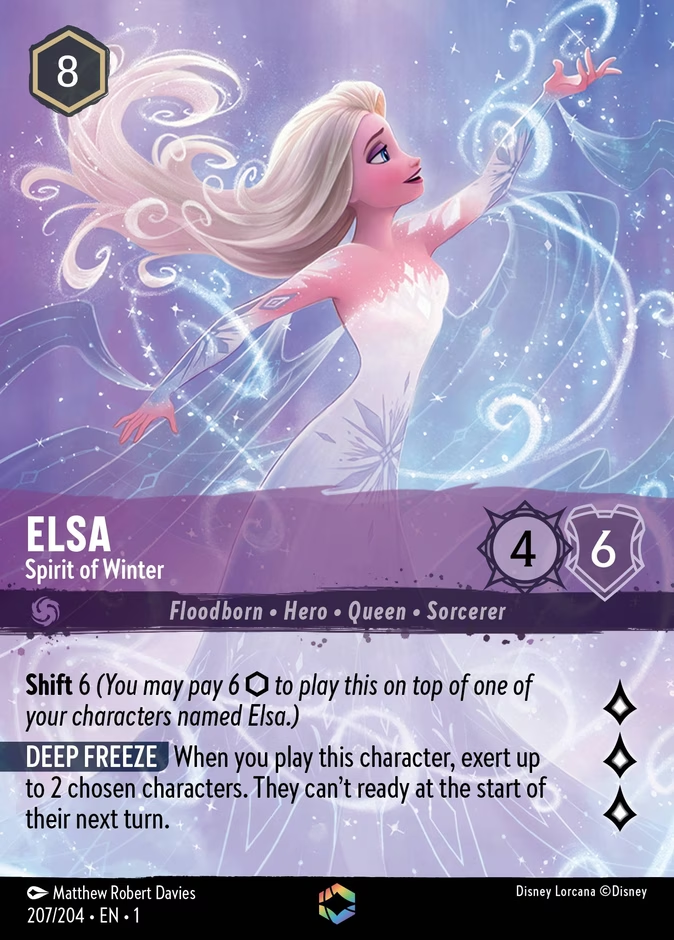

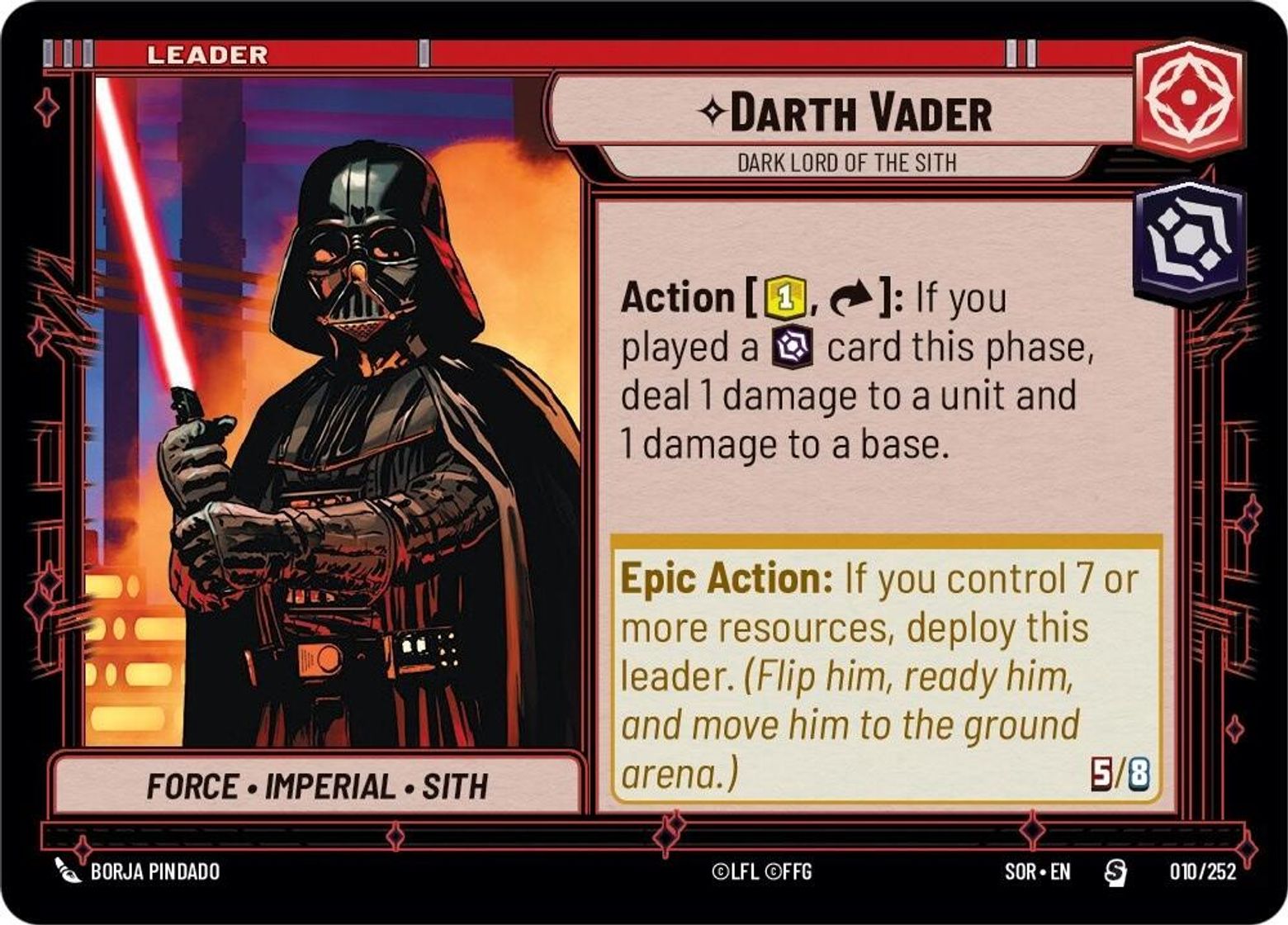
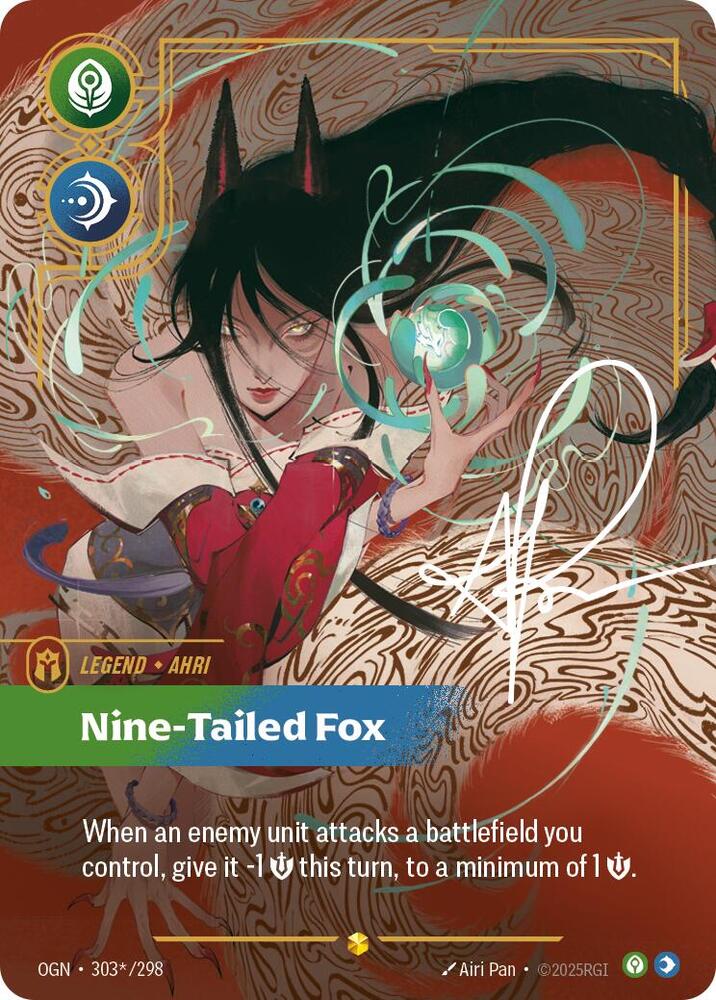

Start with Pokémon scanning. Web deck lists also cover Lorcana, Star Wars: Unlimited, Magic, Riftbound and One Piece. Explore the deck tools →
FoilFox on Discord
Talk cards with the FoilFox community.
Share your latest finds, ask questions, report a bug, or tell us what would make FoilFox more useful at your table or in your shop.
Join FoilFox on Discord ↗
Optional · Opens Discord